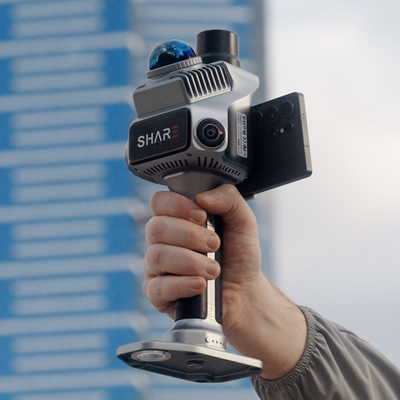
A Gaussian splat is grown from the stills you collect on the walk. A face that never made it into those stills has nothing for SHARE Point Cloud Studio (Studio) to fit. The comparison post is what a splat is. This page is SHARE's 3DGS scanning guide, written as a field list for a C1 or C1 Pro job.
The LiDAR cloud still has its own craft (SLAM checklist). If the invoice includes a splat, the cameras set the bar.
Before you start walking
Wipe the lenses. Dust and fingerprints stay in every frame.
Set the shooting interval to 0.5 seconds or less. SHARE is explicit: 3DGS needs that density of stills. Check it in Capture before you leave the van.
Rest the unit flat on the ground and wait until initialisation finishes. Then start from a textured spot, not a glass lobby.
SHARE's current 3DGS processing note asks for scans inside about ten minutes. Longer walks ask more of GPU memory and RAM in the office. Split a large floor plate if you promised a splat, not one forty-minute loop.
Get close enough that the object you care about fills the frame, then walk around it. A face that never appears from two positions will not reconstruct.
Pace
Hold the scanner firmly. Move at a steady speed. Twisting, swinging and shake smear the stills.
SHARE's 3DGS guide: stay at or under 0.8 m/s. Drop to 0.5 m/s indoors, in dim light, and whenever you turn or change direction. That is slower than a lot of people walk a corridor for a cloud-only job.
Keep yourself out of the photos where you can. A second person trailing you for the whole loop becomes a ghost in the splat.
Path: circle, then change height, then overlap
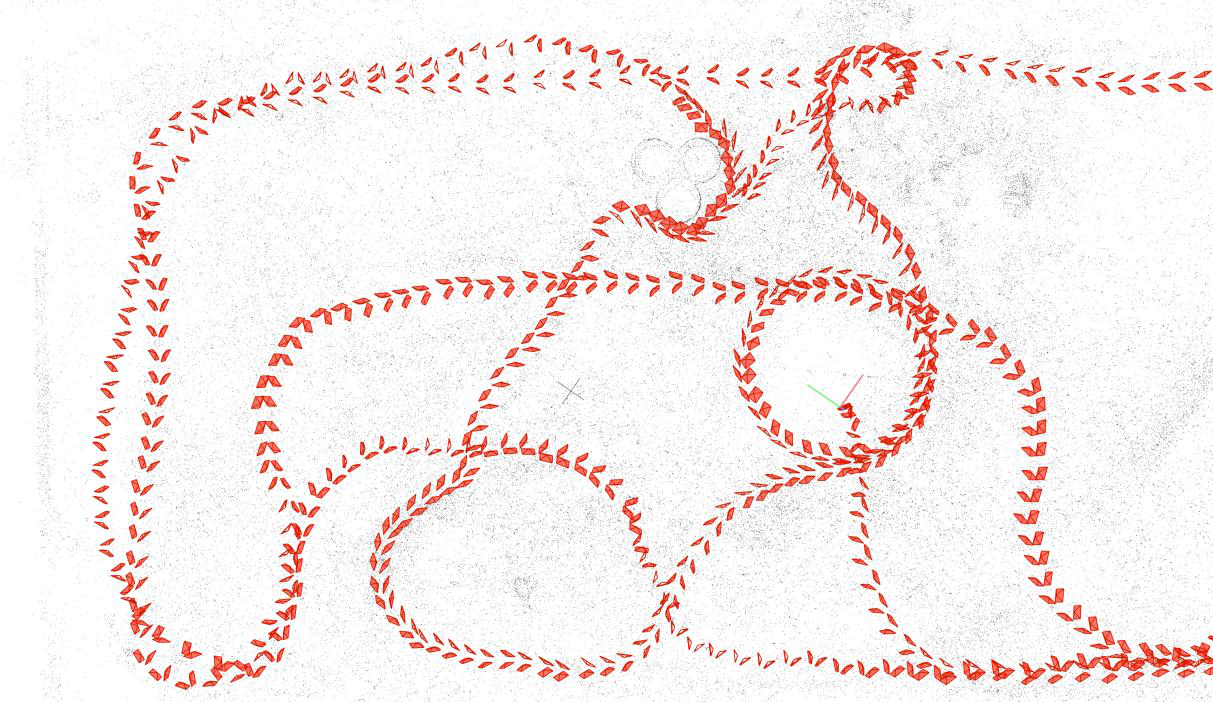
Walk 360 degrees around the subject. Adjacent photos should overlap by more than half.
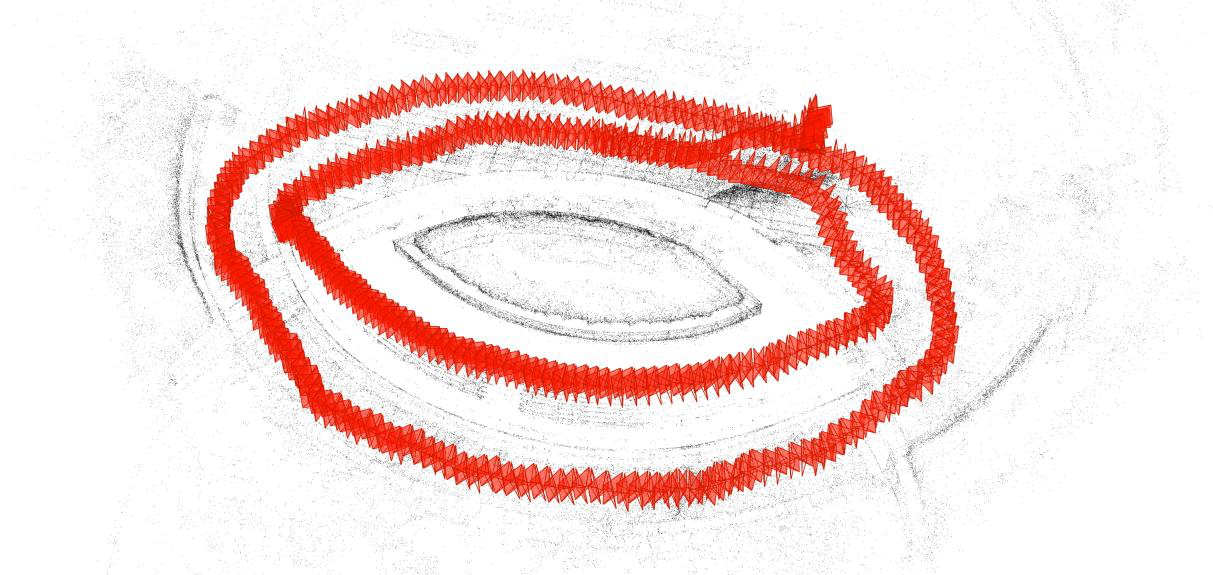
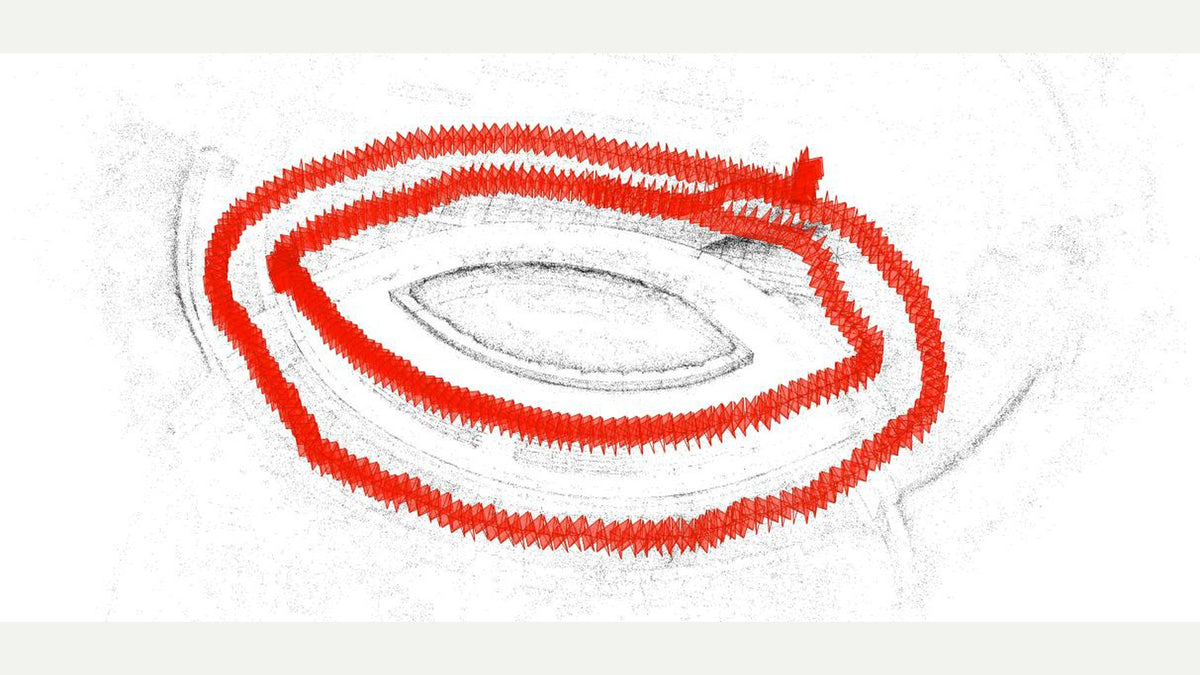
Change height. SHARE's own diagram stacks a head-height circuit, a chest circuit and a lower pass so soffits and bases get a look. Circle at one height, then circle again lower or higher. Crouch for objects from below. Raise the unit for objects from above.
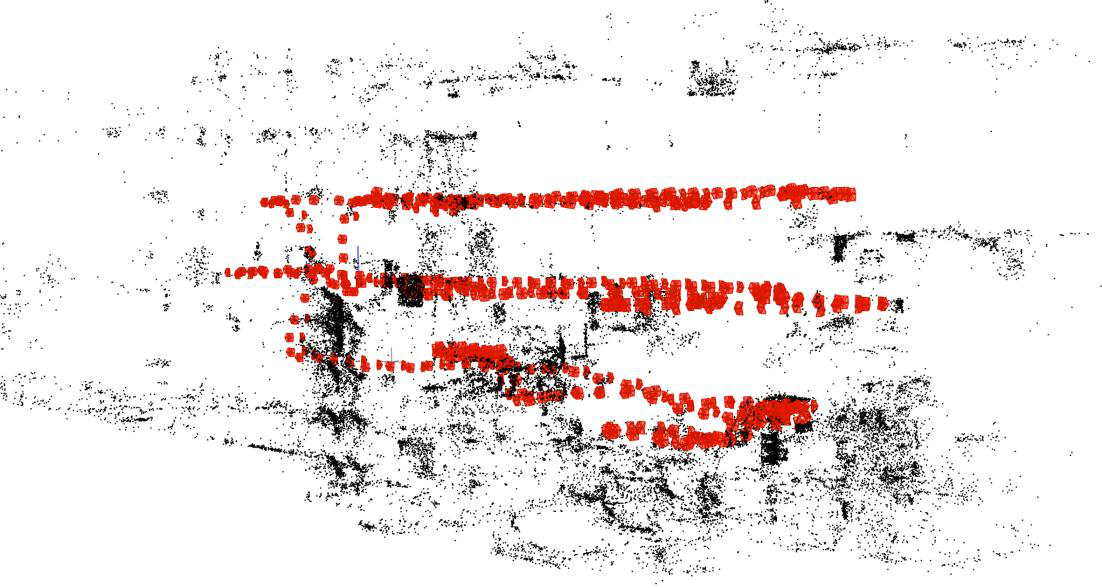
A second route has to share overlap with the first. Two disconnected spaghetti trails leave holes where the optimiser never saw the join.
Light and things that move
Keep lighting even. Sudden brightness changes hurt matching.
Outdoors, SHARE prefers midday under cloud. Direct sun, moving highlights and shifting shadows show up as reconstruction noise. Indoors, lights on and curtains open before you start, so the room does not change mid-loop.
Shoot static scenes. Pedestrians, vehicles, fluttering curtains and flickering screens ghost or leave hollows. Cover or switch off a TV. Pick a quiet time at a busy intersection.
Tight rooms, glass and blank walls
Corridors and doorways: walk sideways so one camera keeps facing the direction of travel.
Glass, mirrors, polished metal and water: avoid, block or remove them when you can. They ghost, warp or hollow.
White walls and other texture-free patches starve viewpoint matching. Step back so the frame also holds something with texture, or put a temporary marker in the scene.
Backlit windows blow out geometry. Sheer curtains or extra light indoors. Even light outdoors.
Office step is the Studio 3DGS processing post. Geometry for measure stays on the cloud. Talk through the job if you want a walk and a splat of a room you already know.
SHARE C1 · SHARE C1 Pro · C1 series
Read next: what a Gaussian splat is · Studio 2.6 · as-built interiors