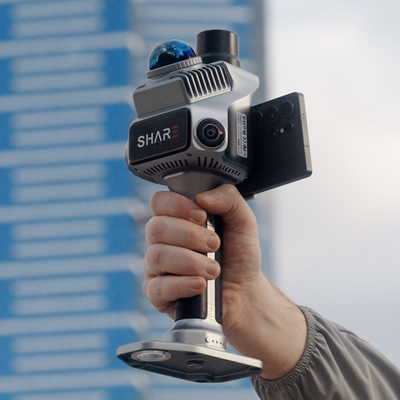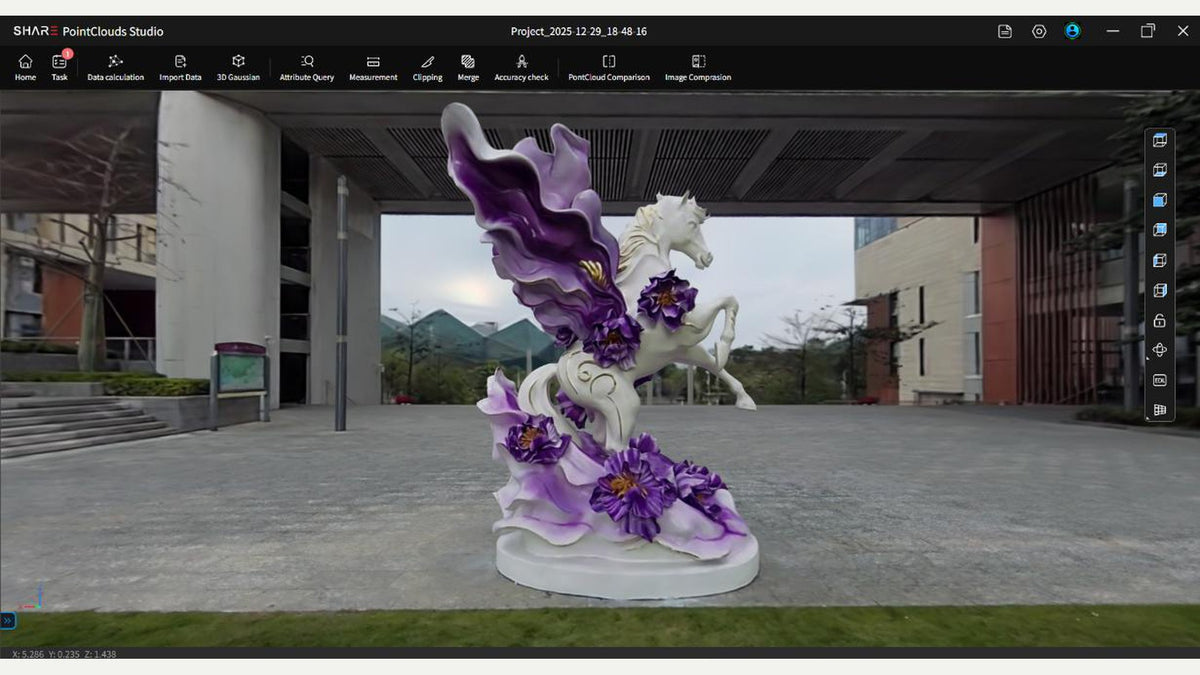
Field stills first. Half-second (or faster) photos are in the 3DGS capture post. SHARE Point Cloud Studio (Studio) grows the splat from that set.
This is SHARE's 3DGS processing guide dated 7 January 2026, as we run it on C1 and C1 Pro jobs. Download current Studio from SHARE's software page.
The box SHARE asks for
SHARE's 3DGS note (they say the floor will come down later):
- 64 GB RAM or more
- Intel 13th-gen Core i7 or equivalent
- NVIDIA GPU, compute capability 7.5 or higher
- CUDA 12.8 or higher
- 12 GB VRAM recommended. Smaller rooms sometimes run under that. SHARE does not guarantee it.
The install path must be English characters only. Other scripts in the folder name break the installer.
After install, register and log in. 3DGS in Studio requires a logged-in account.
We size the workstation with you before you promise splat turnaround. Those numbers are SHARE's, not a bench we published.
Import the whole Capture folder
Copy the entire raw folder from the scanner onto the PC, photos included.
If you intend to run 3DGS, SHARE repeats the capture rule here: photo interval at or under 0.5 seconds.
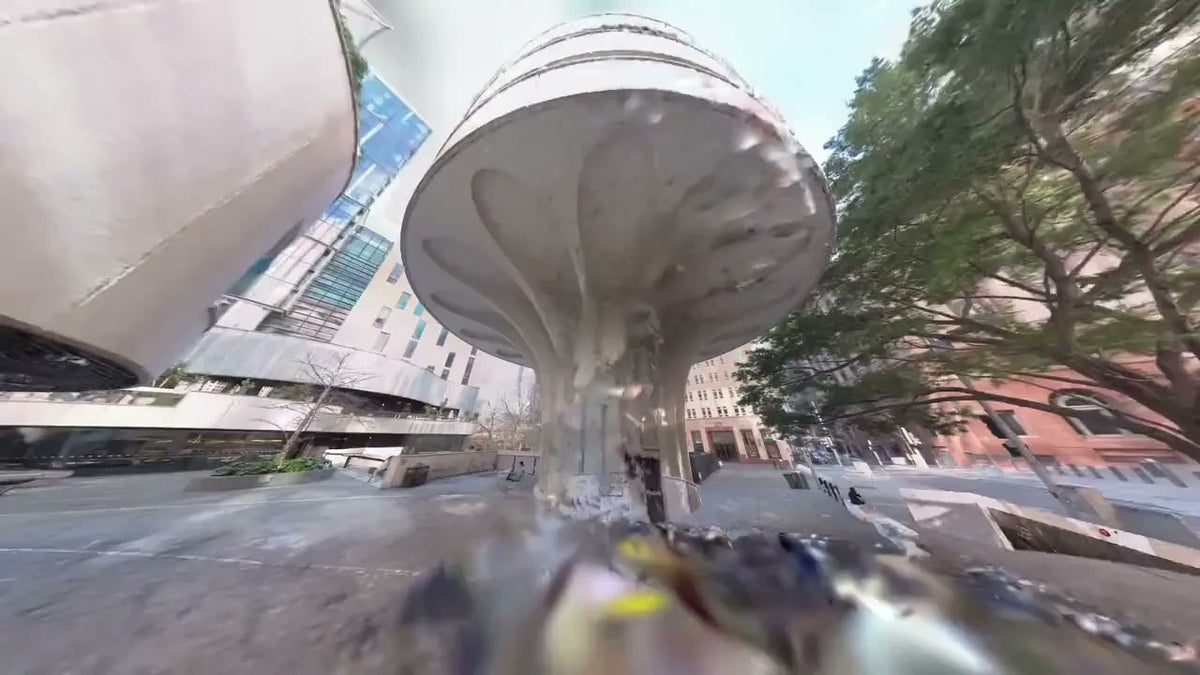
Martin Place, Sydney
25 Martin Place
- SHARE C1 Pro
- 7 min 10 s walk
- 42.1M points
- 14.2M Gaussians
Viewed in MapShare. Every SHARE scanner includes 12 months of MapShare Studio.
Colour and undistorted photos, then the cloud
Generate the coloured cloud with distortion-corrected photos. SHARE's wording: a 3DGS model needs both. Colourisation off, or undistorted photos off, and the Gaussian step has nothing to import.
In Data calculation that is Point Cloud Colorization and Distortion-removed photo output, both on, then run the solve.
Check a door width you already know before you spend the GPU hours.
3D Gaussian
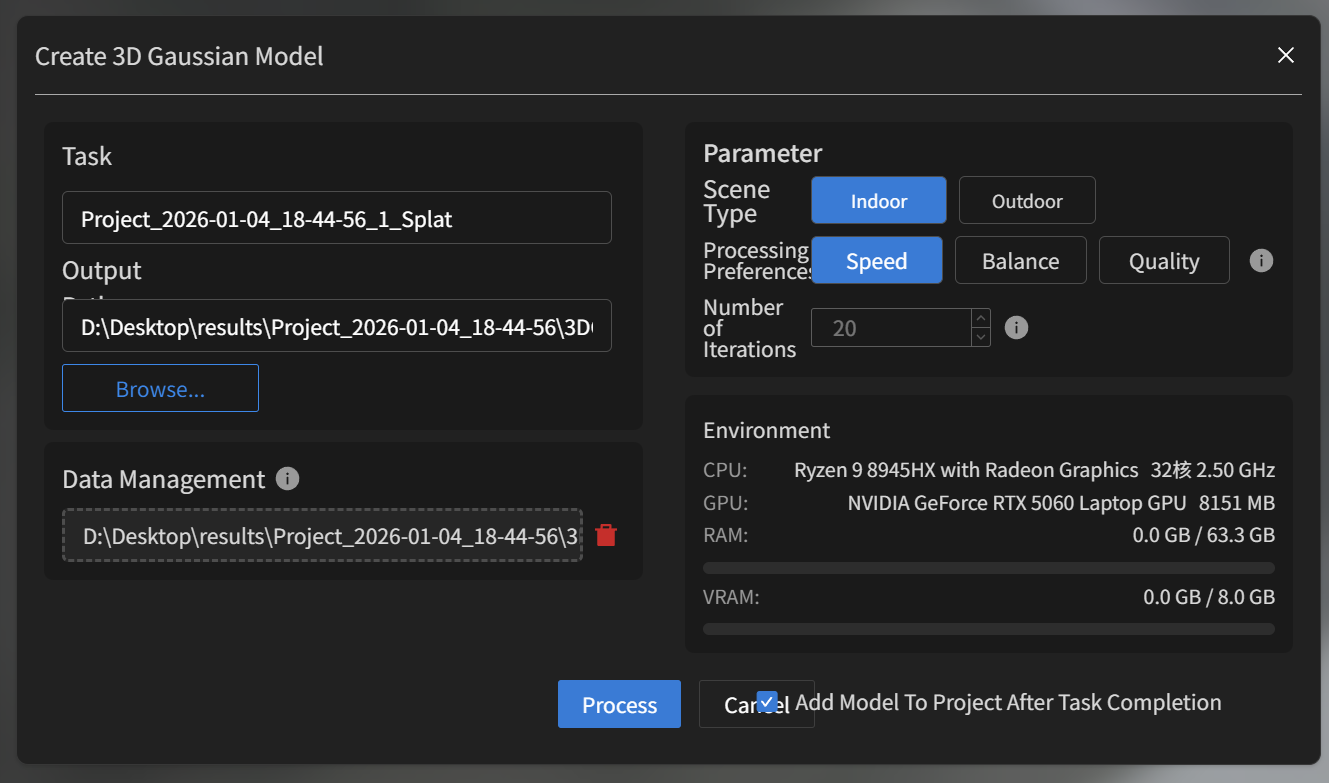
When the cloud has solved, open 3D Gaussian. Import the output folder from that result. Set scene type (Indoor or Outdoor), processing preference (Speed, Balance or Quality) and iteration count, then Process.
What you get
Results save as .ply by default, in a folder next to the point cloud.
You can preview the splat in Studio. Measure the client job from the cloud. Publish both into MapShare when someone needs a browser walkthrough. MapShare hosts the splat. It does not generate it.
This apartment as-built is a public interior example.
C1 Pro is the unit we put on splat colour (dual 1-inch mechanical shutters). C1 still builds a usable indoor cloud. Open exports stay yours: LAS, LAZ, E57, PLY.
Talk through the job if you want the Capture settings and the Studio box checked against a room you already scan.
SHARE C1 · SHARE C1 Pro · C1 series
Read next: SHARE 3DGS capture · what a Gaussian splat is · Studio 2.6