
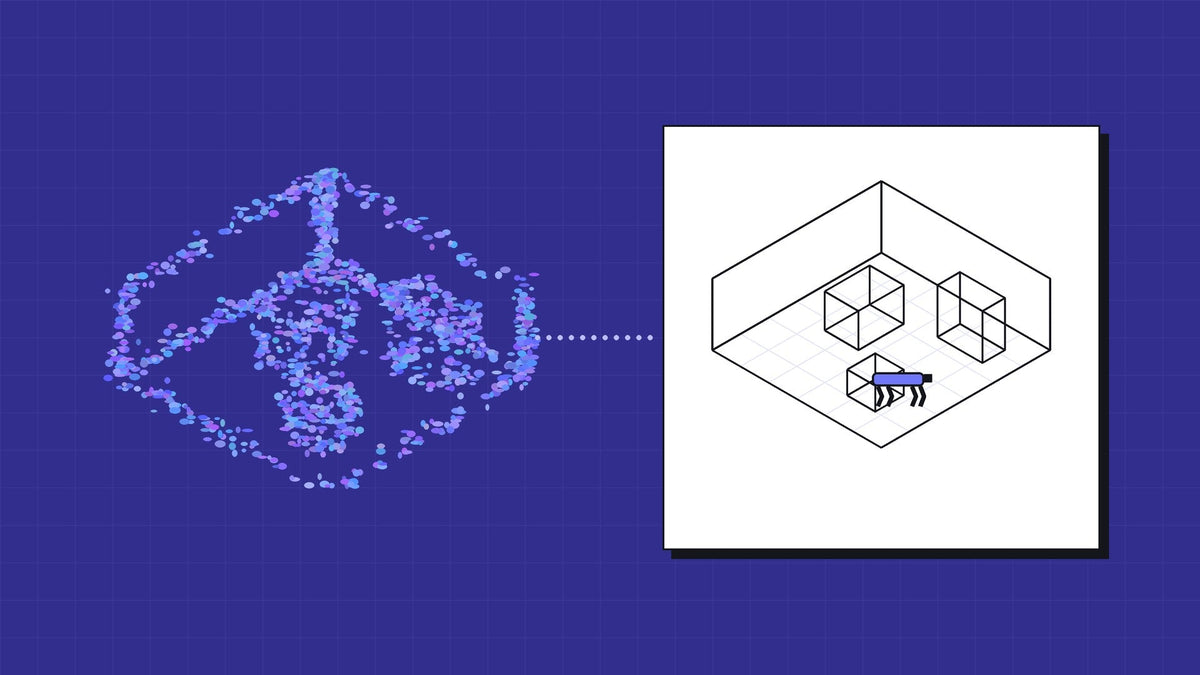
A robot that learns to move in a generic warehouse model still has to meet your warehouse. Real2Sim closes that gap: you capture the real site, rebuild it as a simulation scene and train or test in the place the robot will actually work. NVIDIA's NuRec format and tools now give a documented route into Isaac Sim, and a handheld scan can feed it.
This post is what the route looks like today, from NVIDIA's own documentation, and where the joins still are.
What NuRec does
NuRec is NVIDIA's set of libraries for neural reconstruction. It uses Gaussian based methods (3DGUT and 3DGRUT) to turn camera and lidar data into a scene that renders photorealistically from new viewpoints. The output is a USDZ file holding an OpenUSD scene, which loads into Isaac Sim as a volume a simulated camera can see.
Two limits are worth knowing before you plan around it: these files render in Omniverse and Isaac Sim today, not in general 3D tools, and NVIDIA has said the custom USDZ format will move to OpenUSD's ParticleField schema.
It is a pipeline, not a button
The pitch you will see is "scan to simulation in one workflow". NVIDIA's own guides show several steps. Its real world scenes walkthrough runs from photos through camera pose estimation, training the Gaussian scene and export, then into Isaac Sim. It then asks you to add a ground plane by hand, because the splat is something a camera sees, not something a robot can stand on.
| Step | What happens | Done by or on |
|---|---|---|
| Capture | Overlapping photos with camera poses (SHARE supplies them from SLAM), plus lidar | Scanner operator |
| Reconstruct | Train the Gaussian scene (3DGUT or 3DGRUT) | GPU workstation |
| Export | Write the scene as USD or USDZ | NuRec or 3DGRUT tools |
| Physics | Add floors, walls and obstacles as colliders | Simulation engineer |
| Train or test | Run the robot in Isaac Sim, or Isaac Lab for policy work | Robotics team |
None of that is hard for a team already in Isaac Sim. It is still a project, not a file conversion, and you should budget engineer time for the physics step.
Where a SHARE scan fits
A SHARE C1 Pro already does the first half of the job. It captures lidar and dense stills on the same pass, and Point Cloud Studio grows a Gaussian splat from them and saves it as a standard .ply. If splats are new to you, start with what a Gaussian splat is, and is not.
NVIDIA's open source 3DGRUT tools include a converter for exactly that kind of file, Gaussian data in PLY format, into the NuRec USD format Isaac Sim loads. On paper the route is short: SHARE splat out of Studio, through the converter, into Isaac Sim. That route uses NuRec's file format, not its reconstruction pipeline, which trains from raw camera and lidar data. NVIDIA still labels these export tools beta, and they run on Linux only.
The splat comes across without a mesh. That is where the scanner beats a camera alone: the C1 Pro's measured point cloud is the obvious source for floors, walls and obstacles as colliders, and it comes from the same capture as the splat.
We have not yet tested a SHARE .ply in the converter, let alone taken one into an Isaac Lab training job. When we have, we will publish what broke.
Capture is still the craft
Everything downstream inherits the scan. The usual splat capture rules apply in full: dense stills, slow and steady pace, loops at more than one height, even light and no people in frame. For robotics there are two more:
- Capture at robot height. A quadruped sees the world from about knee height. If every frame was taken at chest height, the floor plane and low obstacles will be thin in the splat. The C1 robot dog adapter is one way to get that view.
- Keep the measured cloud. The splat is for the camera. The point cloud is for geometry, colliders and checking that a doorway is the width the robot thinks it is.
When Real2Sim is worth it
Real2Sim pays off when the site is specific and the robot has to work there: a plant room, a mine portal, a hospital corridor, a defence training facility. If the robot will work in a hundred generic warehouses, NVIDIA's stock scenes are a fine start.
If you have a site you want a robot to learn, we can talk through capture, what the scanner should hand to your simulation team and what they will still need to build. We can also process the SHARE capture for you, in house and onshore.